Overview
If you set a revalidate time of 60, all visitors will see the same generated version of your site for one minute. The only way to invalidate the cache is from someone visiting that page after the minute has passed.
Starting with v12.1.0, Next.js supports on-demand Incremental Static Regeneration to manually purge the Next.js cache for a specific page. This makes it easier to update your site when:
- Content from your headless CMS is created or updated
- Ecommerce metadata changes (price, description, category, reviews, etc.)
Inside getStaticProps, you do not need to specify revalidate to use on-demand revalidation. If revalidate is omitted, Next.js will use the default value of false (no revalidation) and only revalidate the page on-demand when unstable_revalidate is called.
Usage
First, create a secret token only known by your Next.js app. This secret will be used to prevent unauthorized access to the revalidation API Route. You can access the route (either manually or with a webhook) with the following URL structure:
Next, add the secret as an Environment Variable to your application. Finally, create the revalidation API Route:
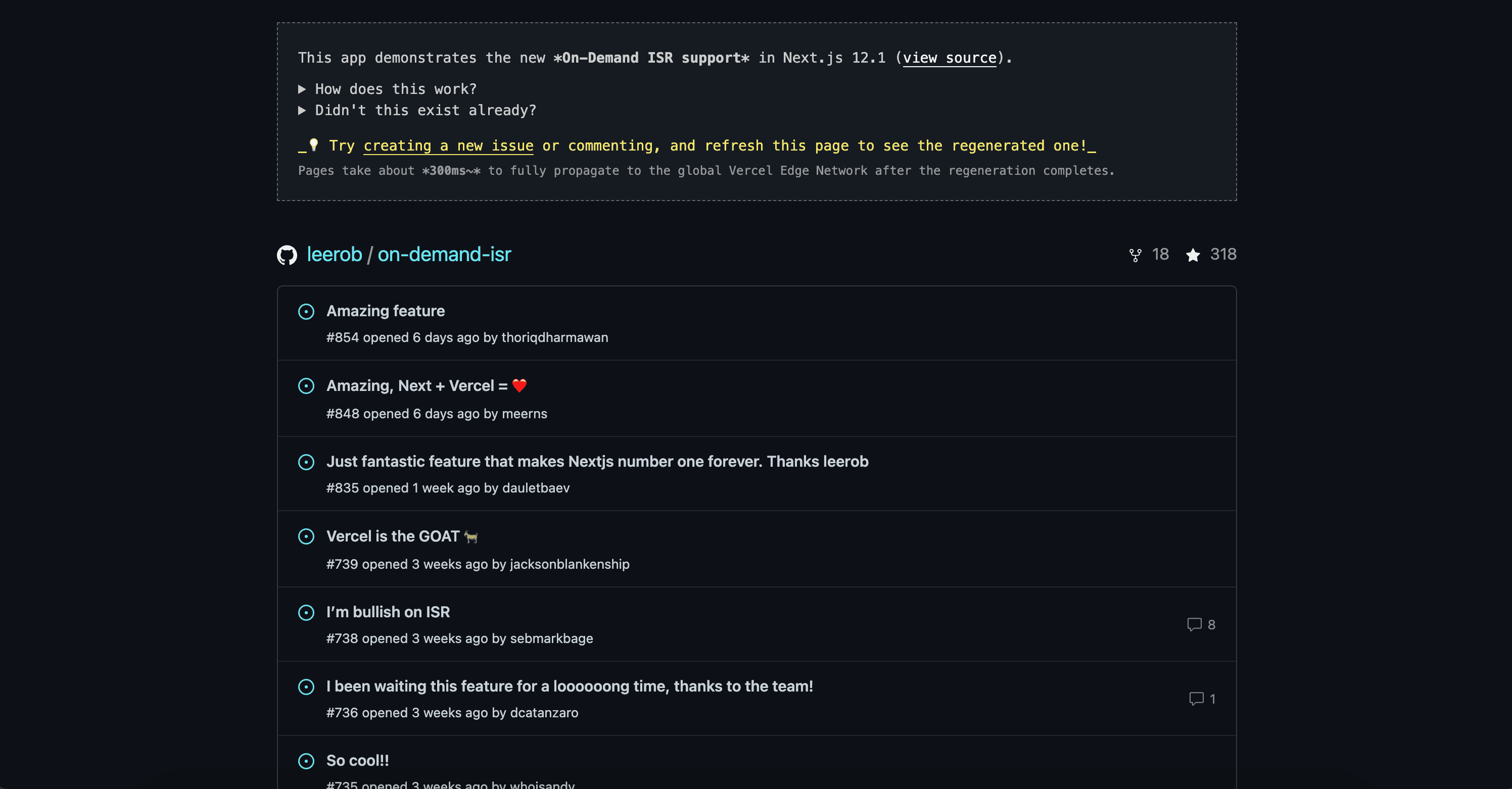
View our demo to see on-demand revalidation in action and provide feedback.
Testing on-demand ISR during development
When running locally with next dev, getStaticProps is invoked on every request. To verify your on-demand ISR configuration is correct, you will need to create a production build and start the production server:
Then, you are able to validate static pages are successfully revalidated.